Proof-of-Stake Guide
Proof-of-stake mining or staking is typically implemented in such a way that a random coin owner obtains the right to sign a new block. Zano PoS implementation keeps miners in full anonymity and is as simple as a push of a button.
The Lite wallet can't stake. Staking requires a full node that's fully synced and kept online, so use the desktop wallet (or a CLI node) and leave it running and connected. Your wallet only earns while its node is online and synced, and staking pauses whenever it goes offline.
Benefits of Zano Staking
-
100% Anonymous: Your staked balance always remains hidden thanks to our Zarcanum Technology.
-
No lock-ups: Unstake your coins at any chosen time.
-
No minimum amounts: Stake any amount of ZANO you want.
-
Truly decentralized: Anyone can start staking. There are no validators or special nodes.
-
No slashing.
-
Easy-to-use: Flip the switch and start staking.
The only requirement is to run a Zano node (currently, this can only be done on a desktop device). The Zano desktop wallet automatically functions as a Zano node.
There is no "delegation" function in Zano Staking, as we believe that it goes against network decentralization, and running a Zano node takes very few resources.
How to Stake Zano
Simply open the Zano desktop wallet, make sure the blockchain is synchronised, and turn on the Staking switch.
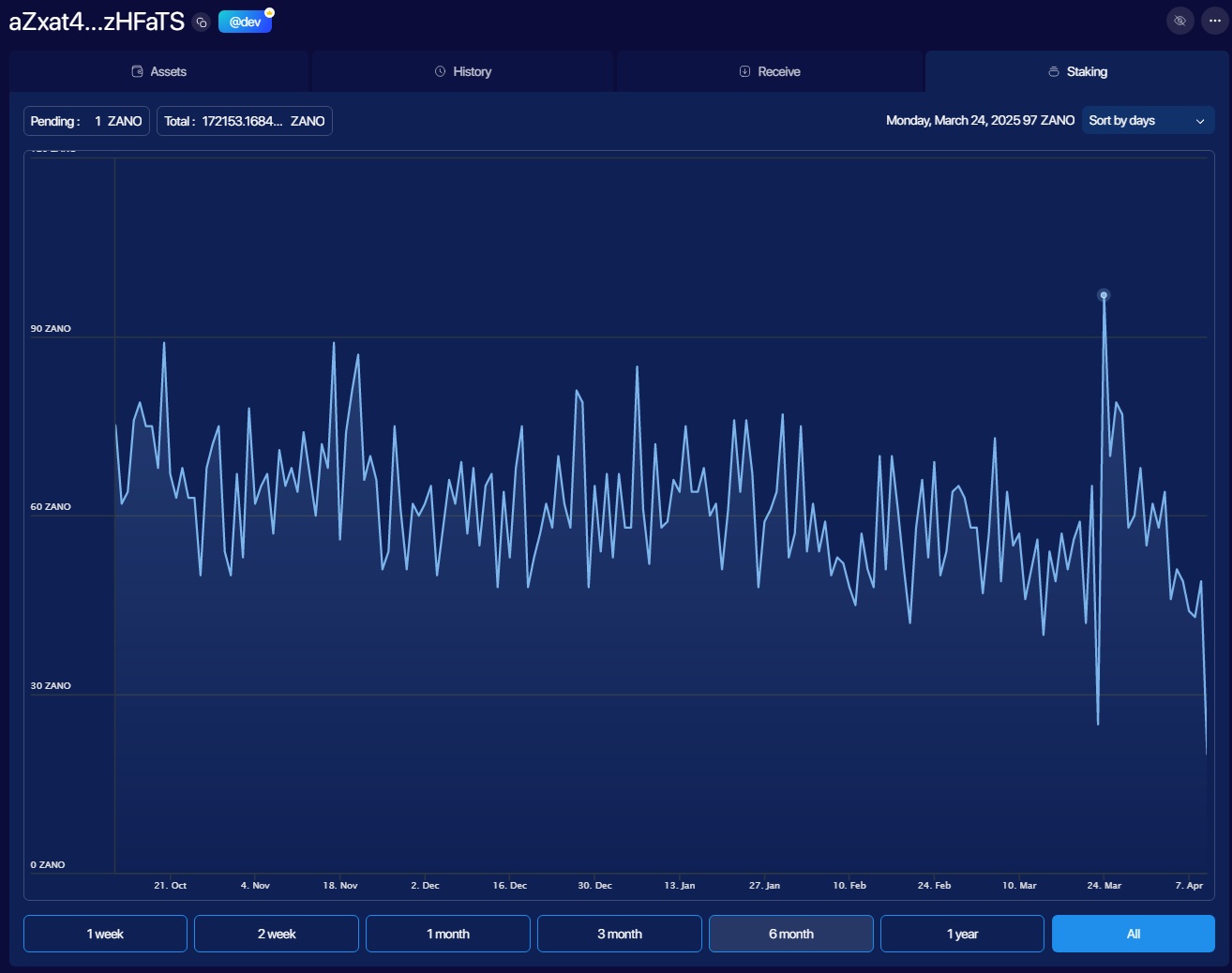
You can observe your progress in the Staking tab of your staking wallet. The amount of earnings depends on the wallet balance. You can switch Staking on and off without any limitations.
Estimating Your Rewards
To understand how much you can earn from staking, check out our guide on Estimating PoS Rewards. This includes both a simple calculator tool and detailed mathematical formulas for manual calculations.